
Understanding Email Deliverability: Why Ecommerce Campaigns Land in Promotions Instead of the Inbox
"Deliverability" gets talked about often. But no matter how good your content is, if it doesn't get delivered, that's a ship that never sailed.
Landing in Promotions and landing in Spam get conflated constantly, yet Promotions is actually successful delivery, Gmail passed every trust check and filed it where it belonged. Spam means Gmail decided not to trust it at all.
Three categories matter most across Gmail, Yahoo, and Outlook: Primary, Promotions, and Spam. And that's the surface of a bigger problem: deliverability isn't one switch, it's three separate problems, acceptance, placement, and attention, each with its own cause.
- Deliverability is three separate problems, acceptance, placement, and attention, and each needs its own fix.
- Authentication (SPF, DKIM, DMARC) only controls acceptance. It has no effect on whether mail lands in Primary or Promotions.
- Since Apple and Gmail both pre-fetch or cache images, opens are an unreliable signal for Apple Mail users. Track clicks and purchases instead.
- Keep your spam complaint rate under 0.1% as your working alarm; 0.3% is Google's hard rejection line, not a safe target.
Deliverability: The Three Aspects
| Layer | What it means |
|---|---|
| Acceptance | Binary: the server took the message or it didn't. Bounces and rejections live here, it's the only layer where "delivered" means what people think it means. |
| Placement | Where mail goes once accepted (Primary, Social, Promotions in Gmail). Most dashboards lump all three under "inboxed," which says almost nothing about whether the customer actually sees it. |
| Attention | Whether a human noticed. Landing in Promotions isn't spam, it's just competing with every other promotional email that inbox has ever gotten. |
You can't fix one layer by working on another. A team that spends months tightening authentication while their real problem is a stale list has fixed something that was never broken.
Authentication Is a Base, Not a Strategy
Get authentication wrong and Gmail doesn't warn you, it just rejects the mail. Since February 2024, Google and Yahoo require bulk senders (5,000+ emails a day) to have SPF and DKIM in place, a DMARC policy published, and one-click unsubscribe working. Miss any of it and non-compliant mail can be blocked outright. Microsoft runs a similar bar for Outlook.com, worth checking directly if a real chunk of your list lives there.
The short version of what each one does:
- SPF says which servers are allowed to send as you.
- DKIM proves the email wasn't tampered with.
- DMARC tells inboxes what to do when either check fails.
Once your sending is clean, move DMARC from "just watch and report" to "quarantine," otherwise a spoofed email pretending to be you sails straight through.
Here's the part that trips people up: none of this touches Primary versus Promotions. Authentication is the bar for not getting rejected. Where your mail lands after clearing that bar is decided by an entirely different system.
Reputation Isn't a Score You Check Once
Google Postmaster's reputation score is a lagging indicator, by the time it drops, the damage already happened weeks earlier.
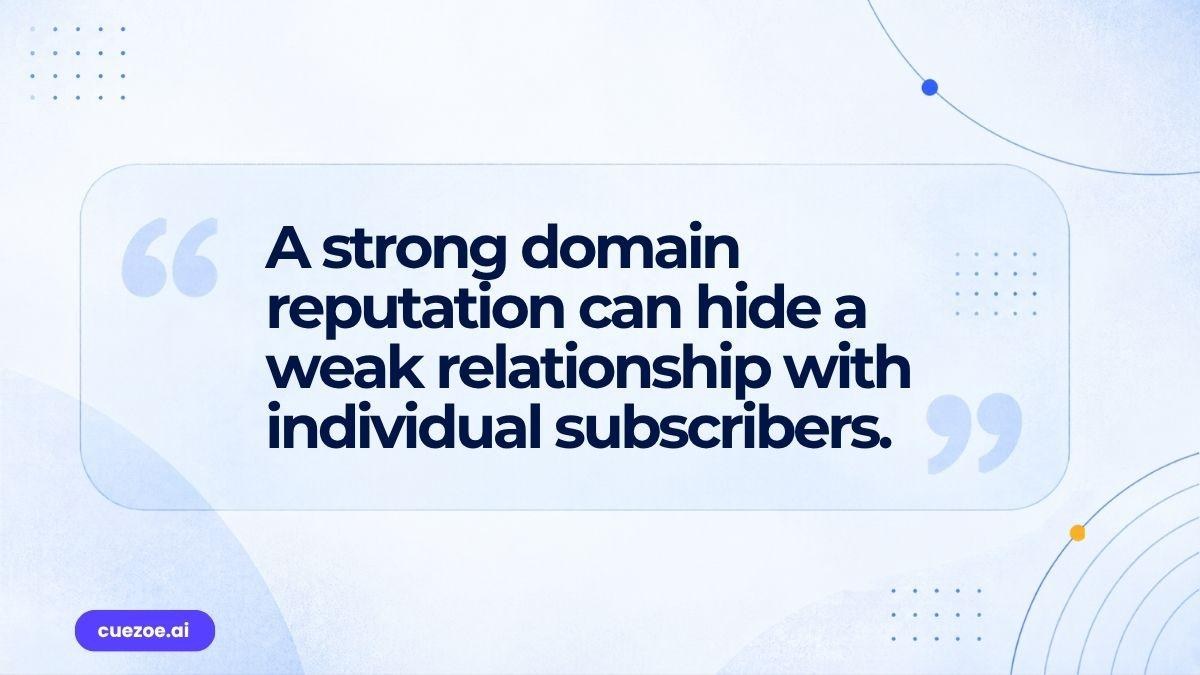
The real insight: Gmail isn't just scoring your domain, it's scoring your relationship with each subscriber individually. Someone who hasn't opened anything in two years isn't a dead number pulling down an average, Gmail remembers that specific non-relationship and treats their inbox accordingly. So a domain can have a strong overall score and still route to Promotions for its most disengaged segment, judged entirely on its own.
Which means sending one campaign to your whole list asks Gmail to form one impression from your best customers and your ghosts at once. Segmenting by engagement isn't just relevance, it keeps cold subscribers from dragging down what Gmail concludes about the send.
What Actually Sorts Mail Into Promotions
Since iOS 15, Apple pre-fetches every email's tracking pixel the moment it arrives, whether anyone opens it or not. That's intentional, Apple built it so senders can't tell if a message was actually read. Every fetch logs an open nobody generated.
Open rates have climbed industry-wide since, though the exact inflation shifts with how much of a list uses Apple Mail, so treat any specific number as a snapshot, not a constant. Most ESPs now say to ignore opens for Apple users and watch clicks and purchases instead. Gmail does something similar with its own image caching, likely smaller, but nobody's measured it.
If opens still drive your suppression rules or test results, you're deciding based on data two major providers are quietly distorting.
The BFCM Trap
Every ecommerce team asks if they can scale volume fast for Q4. The honest answer: BFCM doesn't create deliverability problems, it exposes ones that were already there but too quiet to notice at normal volume.
A domain with years of clean history still needs to ramp gradually, because the risk isn't the spike itself, it's who's in it. Blast an inactive segment that's been silent for months and you get a complaint spike exactly when Gmail's paying closest attention.
Two numbers, often confused: 0.3% is Google's hard rejection line. 0.1% is where you should actually start reacting, treat that as your alarm, not the ceiling.
Send to your most engaged people first, bring everyone else in gradually, and watch the complaint rate the whole way through.
List Hygiene Is Infrastructure, Not Housekeeping
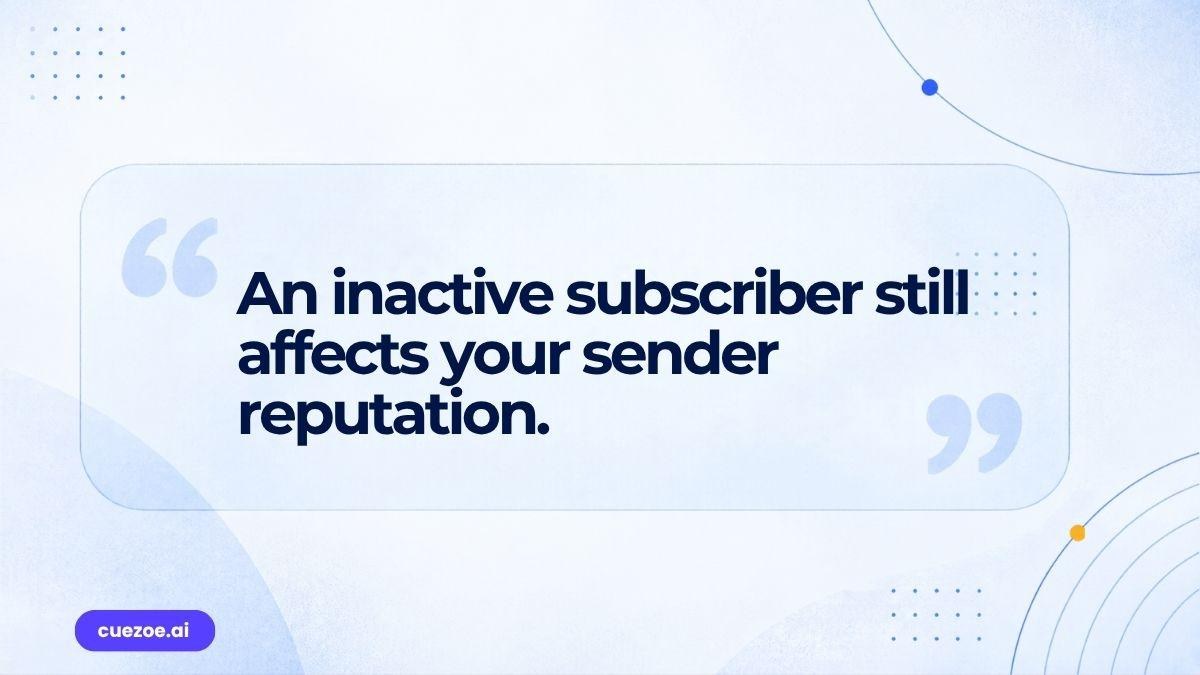
An inactive subscriber isn't neutral, every ignored send tells Gmail your mail isn't worth attention, and dead addresses left too long risk becoming spam traps. There's no universal cutoff either. A brand emailing twice a week should treat 90 days of silence differently than one emailing twice a month, anchor the window to your own cadence, not a borrowed rule. It is the same threshold your winback campaigns run on, which is why the two jobs are really one.
How to Diagnose Where You Stand
Work it in order.
- Acceptance: break down bounces by type, remove hard bounces immediately.
- Placement: compare engagement across similar segments, unusually strong clicks suggest Primary, a sharp drop suggests Promotions or worse.
- Attention: if mail's accepted, landing in Primary, and still underperforming, the problem left deliverability entirely, it's the subject line, the offer, the creative, nothing an authentication record fixes.
The Layer You Skip Is the One That Costs You
A brand can have perfect authentication and a strong reputation and still underperform because the email itself is irrelevant or badly timed. That's not a deliverability failure, it's a different problem wearing the same name. Fix things in order, acceptance, then placement, then attention, skip ahead and you fix the wrong layer for nothing.
Deliverability isn't one switch. It's three, stacked in order, and each one hides the layer above it. Fix acceptance first, then placement, then attention. Skip ahead and you'll fix the wrong layer for nothing, and never know why the numbers didn't move.